
Get booked your way from one link.
Biou turns your bio page into a native booking page for coaching, consults, and 1:1 sessions. Offer a free intro call or charge up front through Stripe, let clients choose an open time, and manage the appointment without sending them to another scheduler.


Free when trust matters, paid when time does
Use a free session for discovery calls and community access, or set a price for consulting and coaching. Both use the same scheduling flow.
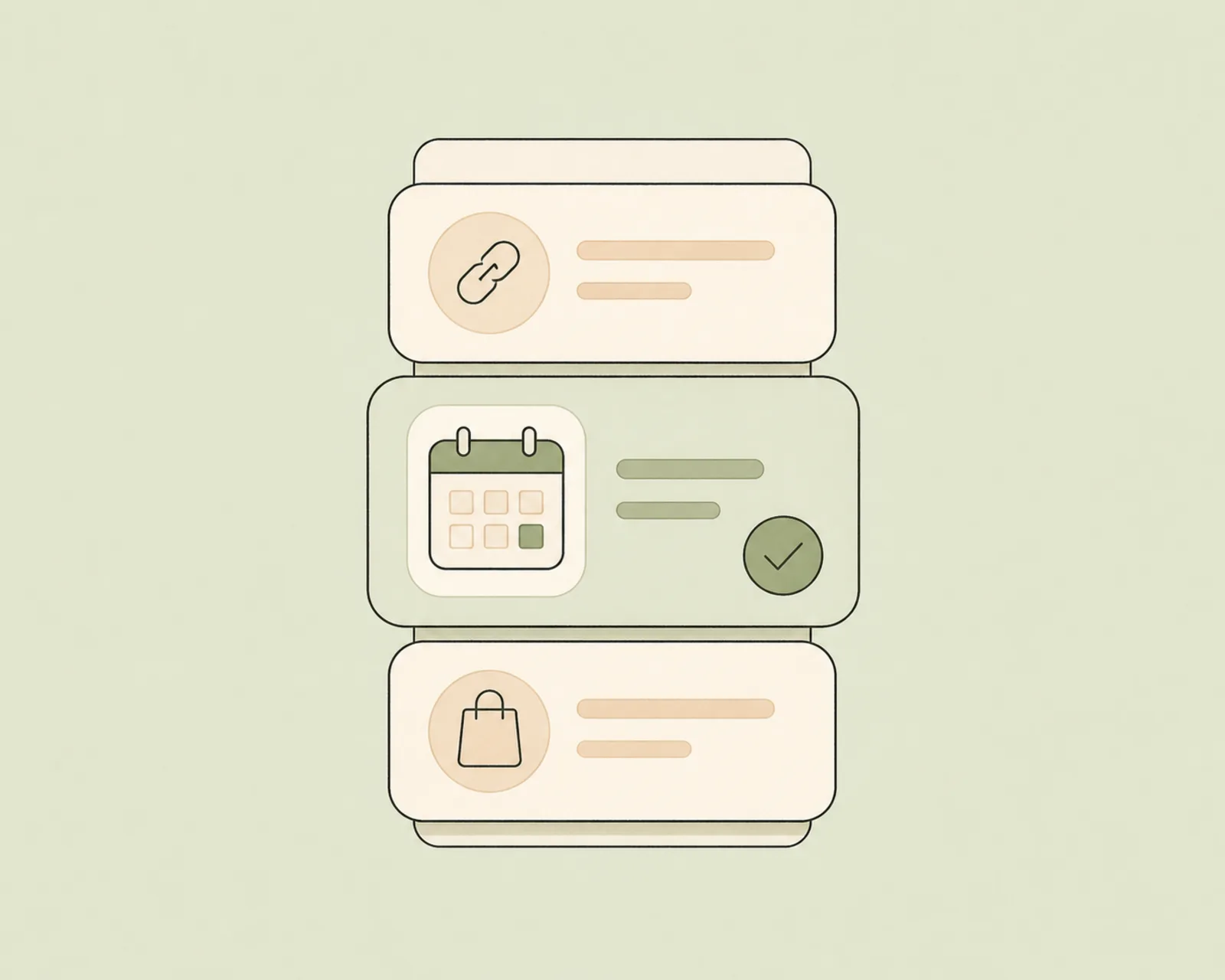
Your availability, built in
Set weekly hours, duration, notice, and buffers in Biou. Choose a custom meeting link or an in-person location for each service.
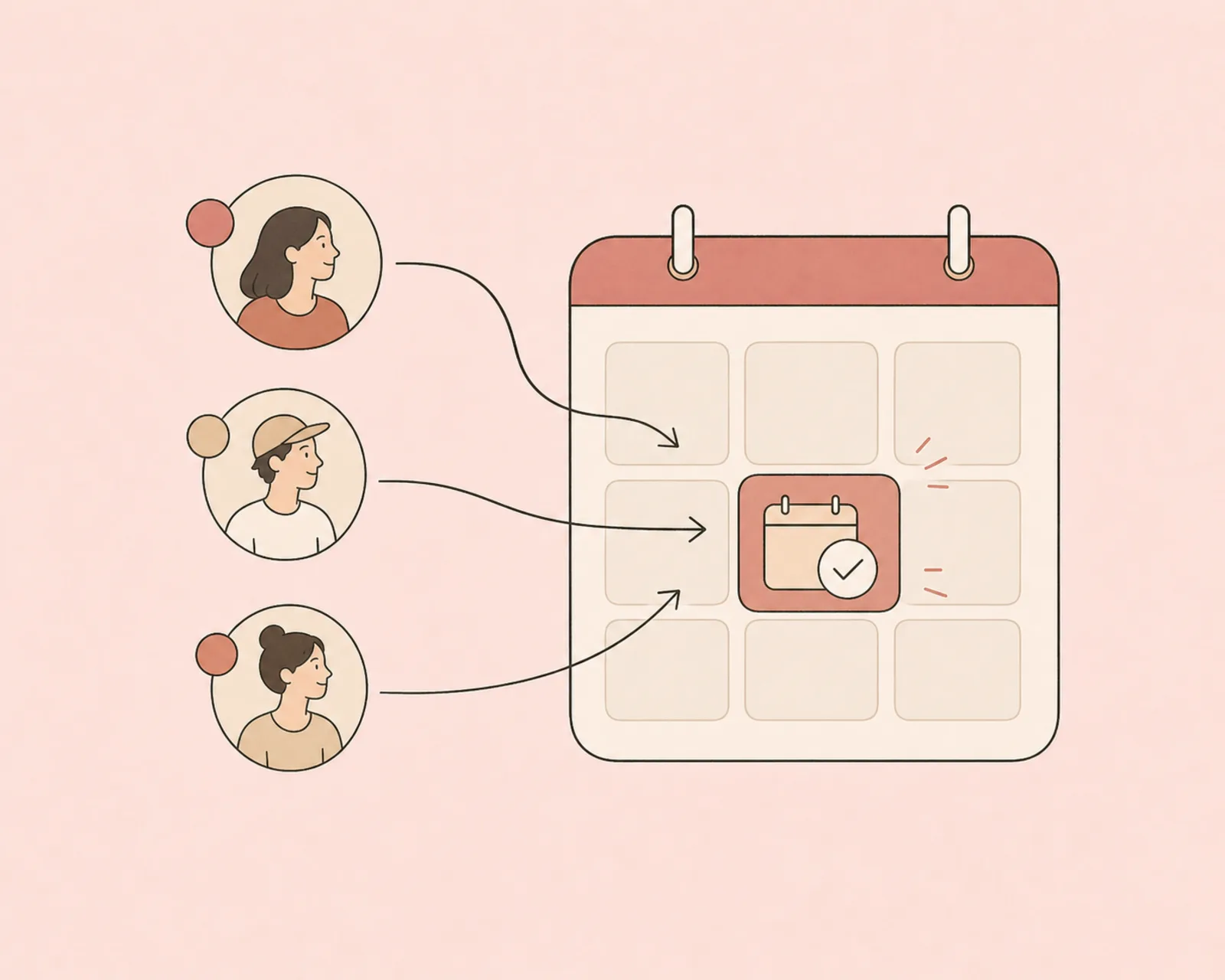
Right where your traffic is
Your followers are already tapping your bio link. Capturing the booking there — instead of routing to another site — means far fewer drop-offs between interest and a confirmed session.
Pay only when you sell — a fee that shrinks from 5% to 0%.
Regular links and redirects are always free. The per-sale fee only applies to what you actually sell, and drops to nothing on the top plan.
Frequently asked.
Can I take bookings from my link in bio?
Yes. Add a booking block, set your availability, and let clients choose a time directly from your bio page. A session can be free or paid.
Is Biou a Calendly alternative for creators?
Biou covers the core creator scheduling flow: native availability, free or paid sessions, confirmation emails, cancellation, and rescheduling. It is designed to sit beside your links and products rather than operate as a separate scheduling workspace.
Do clients pay when they book?
Only for paid sessions. Free sessions confirm immediately; paid sessions hold the selected time while the client completes Stripe Checkout.
How do refunds and reschedules work?
Clients can cancel or choose another available time from their private management link, and creators can cancel from the Bookings dashboard. Refunds for paid appointments are handled separately by the creator through Stripe.
Bring your audience. Keep what they buy.
Free forever, no card required.
Create my Biou →