
Know which link made the sale.
Link in bio analytics show how your bio page actually performs — page views, clicks per link, traffic sources, and devices. Biou goes further with revenue attribution: every sale traces back to the link and the post that drove it, so you can see which content pays instead of guessing from a view count.

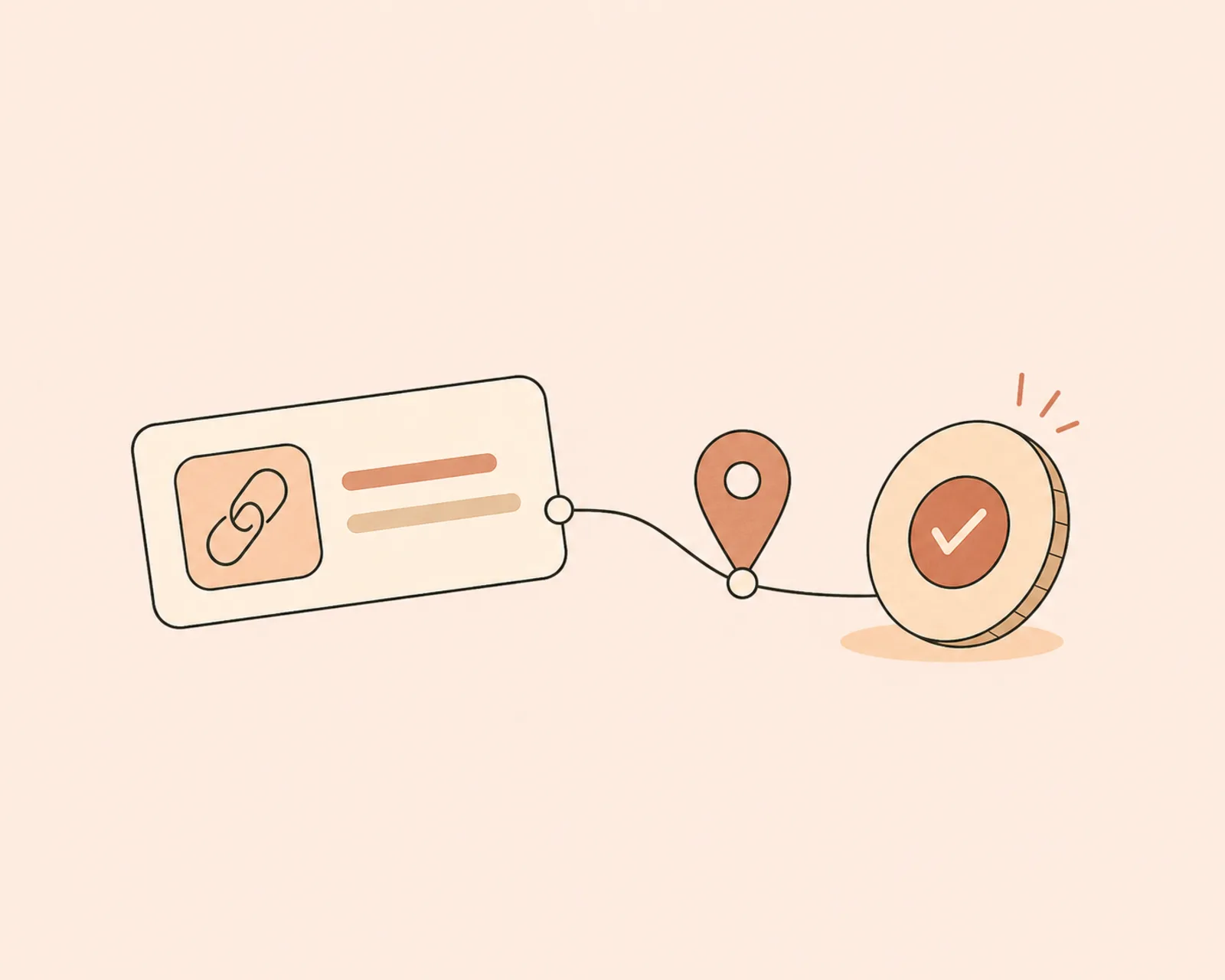
Attribution, not just counts
A click count tells you something got tapped. Revenue attribution tells you which link and which post turned into money — so you can do more of what actually sells.
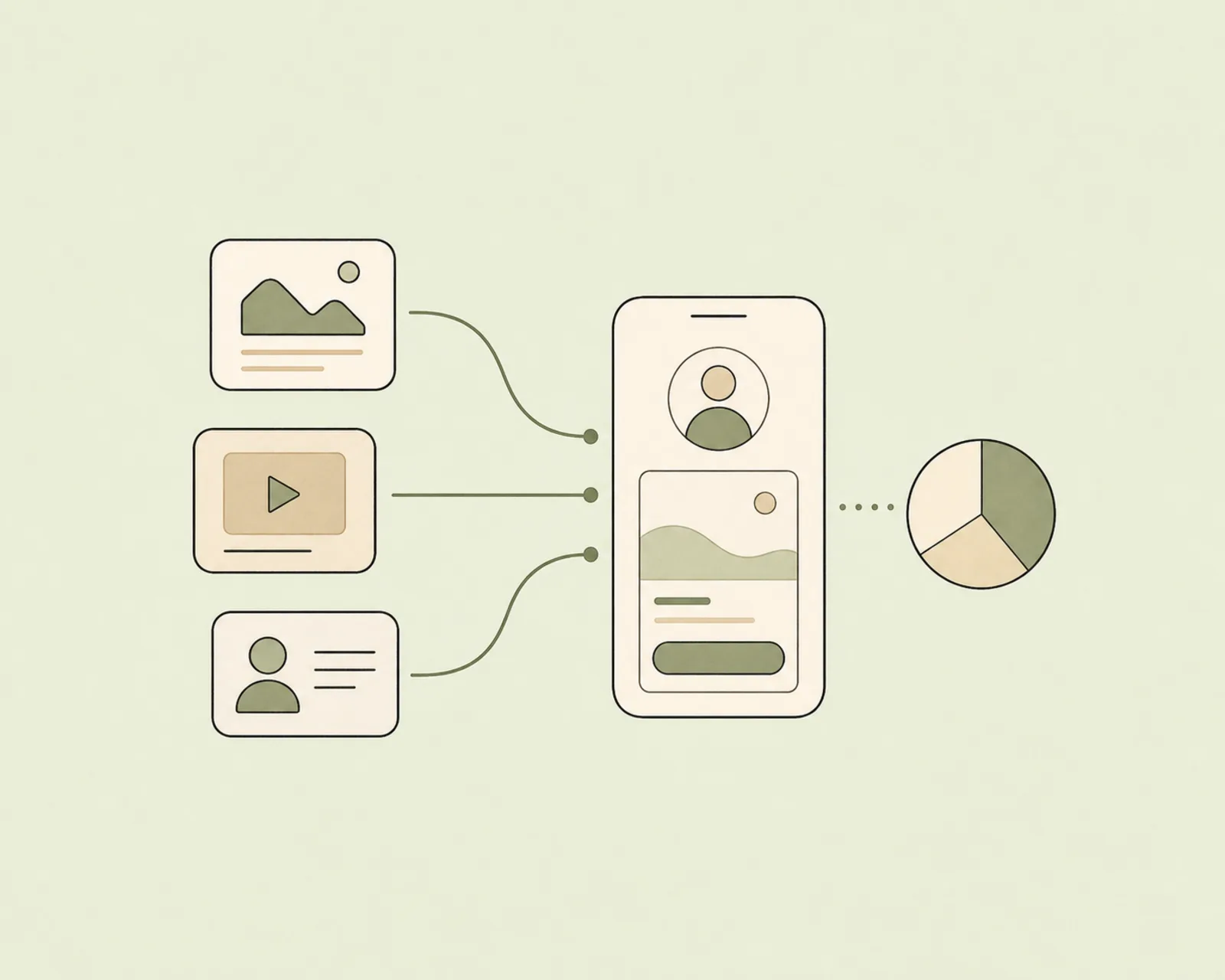
See where traffic comes from
Break visits down by source and device. Know whether Instagram or TikTok is really driving your sales, and whether your audience is reading on a phone in line at a café — they usually are.

Built into the page you already use
No pixel wrangling, no extra dashboard. Analytics live next to the bio page they measure, with CSV export when you need the raw numbers on a paid plan.
Pay only when you sell — a fee that shrinks from 5% to 0%.
Regular links and redirects are always free. The per-sale fee only applies to what you actually sell, and drops to nothing on the top plan.
Frequently asked.
What analytics does a link in bio give me?
Biou shows page views, clicks per link, click-through rate, traffic sources, and device breakdowns. On paid plans you also get revenue and conversion tracking plus CSV export.
Can I see which link drove a sale?
Yes. Biou ties each sale back to the link and the post that drove it — revenue attribution, not just a click count — so you know which content actually pays.
Do I need Google Analytics or a pixel?
No. Analytics are built into Biou and start automatically when your page goes live. There is nothing to install or configure.
Can I export my analytics?
Yes, CSV export is available on paid plans so you can pull views, clicks, sources, and revenue into your own spreadsheets and reports.
Bring your audience. Keep what they buy.
Free forever, no card required.
Create my Biou →